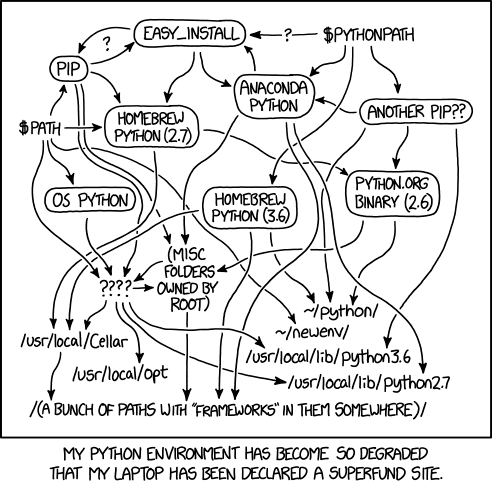
Great guide to resetting your local environment after the inevitable Roman road-ification, layering, and conflicts.
I got mine back to vanilla with this helpful info: https://www.hongkiat.com/blog/remove-python-version-mac/
Some notes: homebrew lists python by version, so a wildcard search for “python” lists python@3.x and you must type the @3.x when attemptiong removal.
I also found this SO post that helpfully shortcuts homebrew cleanup. And it looks like you can stop short of uninstalling homebrew – it won’t do anything after uninstalling its local python, and the skeleton might mismatch when you try to reinstall it in the future.
And of course… relevant XKCD.